Computer literacy that defends itself.
In every GSU module, you are the operator — hands on the machine, eyes on the threat, in command of your own data and decisions. Nineteen modules across three bands, with cyber-defense woven into the foundation of every lesson, not bolted on at the end. Free to learn, keep, and share — no login, ever.
One book carries the whole curriculum.
Every band below is taught in full inside DIGITIFICATION — yours to download, keep, print, and share. No login. No data harvested.
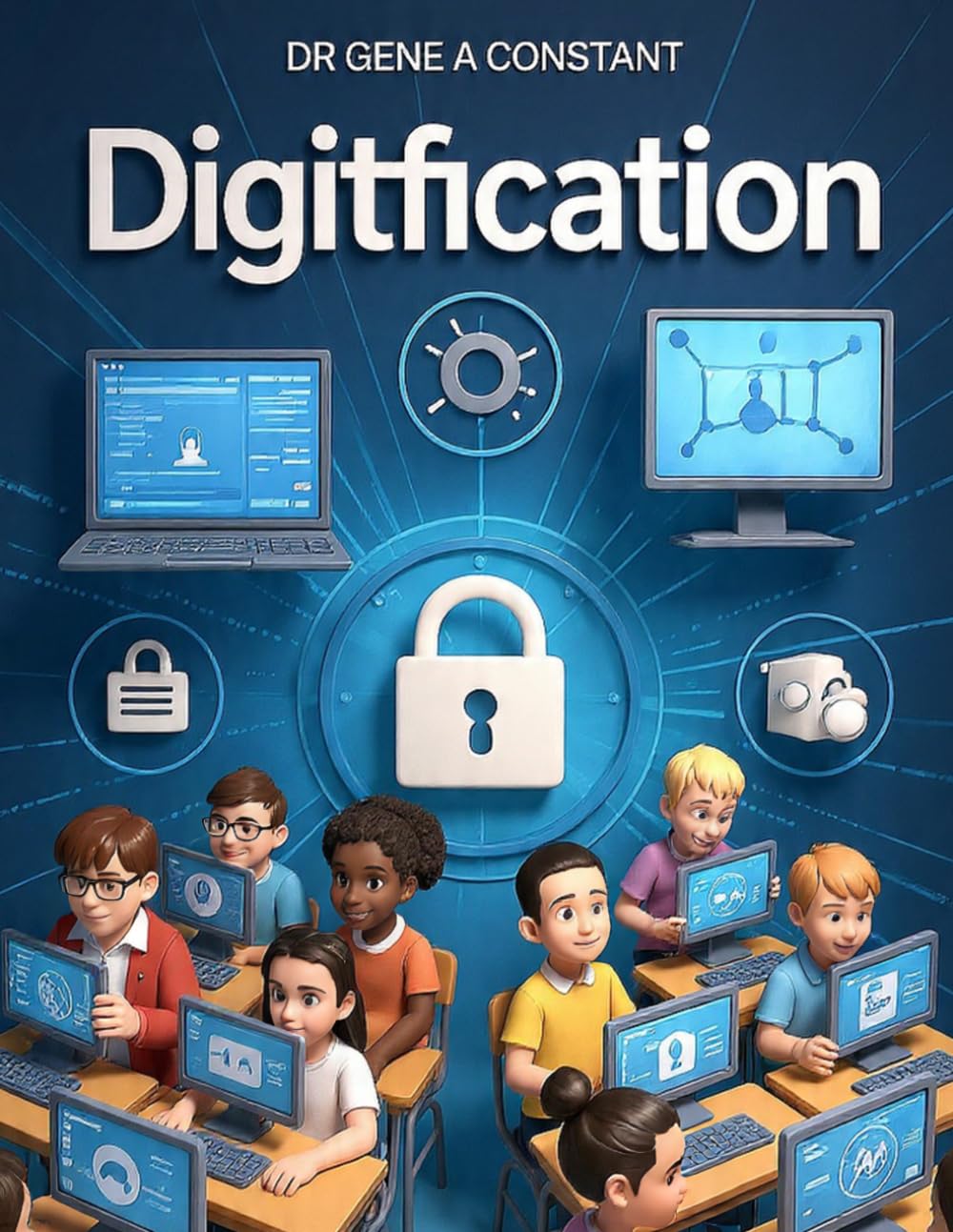
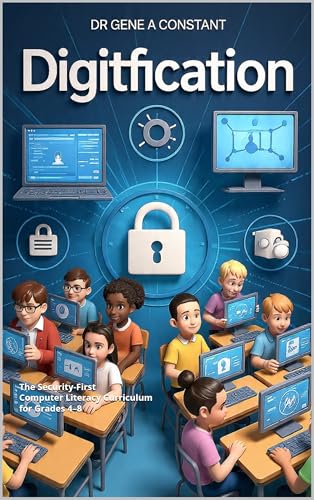
DIGITIFICATION
The complete security-first computer literacy curriculum for grades 4–8, in book form. Defense woven into the foundation of every lesson, with repeatable protocols like Stop-Check-Confirm and a Living Portfolio capstone that proves what a student can do — not what they memorized.
📘 Get the Free Book — PDF ↓ 🛒 Paperback on Amazon →As an Amazon Associate, GSU earns from qualifying purchases — every cent funds free education.
Pick your band. You are the operator.
Each band builds on the last — confidence, then defense, then command. Security is not a later chapter; it begins on day one.
Digital Foundations
The starting line.
Students build the physical and cognitive skills to operate a computer with confidence — keyboard, files, the machine itself — and the situational awareness to recognize when something is not right. The habit of noticing begins on day one, because an operator who senses trouble early never becomes the output.
📘 Read the Band — Free PDFDigital Operators
The threat landscape opens up.
Students move from basic operations to active defense: detecting phishing, auditing their own privacy, verifying information before believing it, and using productivity tools like professionals. Stop-Check-Confirm becomes reflex — the difference between a user who clicks and an operator who decides.
📘 Read the Band — Free PDFDigital Defenders
The capstone year.
Students build a functional threat model for their own digital lives, learn to govern AI rather than be governed by it, and produce a Living Portfolio that proves what they can do — not what they memorized. Computer literacy becomes digital sovereignty: the operator in full command.
📘 Read the Band — Free PDFComputer Literacy Unlocked
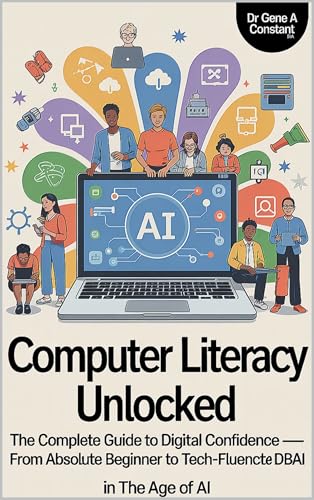
Twenty chapters. Every essential skill.
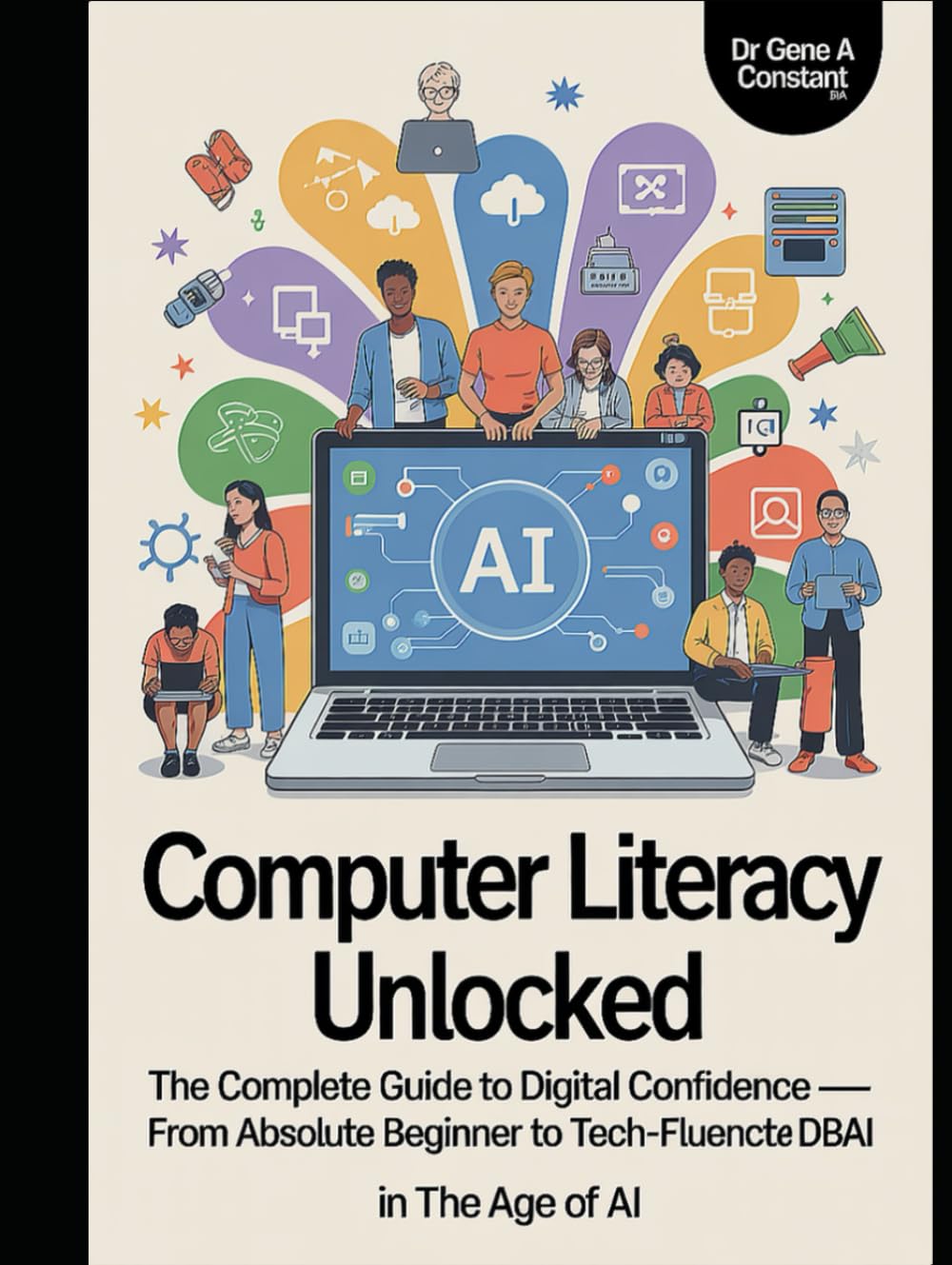
The companion volume: twenty chapters covering every essential computer skill, matched chapter-for-chapter to its own podcast series and three teach-by-doing games — all on its own hub.
🚪 Explore the Full Hub →Then play the skills.
The Digitification Certificate of Comprehension
In development now: a verified comprehension certification drawn straight from the DIGITIFICATION book and its 19 modules — joining the GSU certification program after its July 4, 2026 launch. Paired with the capstone Living Portfolio, it makes a full credential: the certificate proves what you understand, the portfolio proves what you can do.
- Live nowWisdom Bridge comprehension checkpoints — start proving today
- July 4, 2026GSU Certificate of Comprehension program opens
- Wave twoDigitification certification — 30 questions, drawn from the book
- CapstoneLiving Portfolio — the working proof of what you can do

No one defends alone.
GENO AI Tutor available 24/7 — a robot you can actually TALK to. Stuck on a concept, a setting, or a suspicious message? GENO walks it with you step by step, in 32 languages. Find GENO in the corner of every page on this site.
Questions, answered
What does "security-first" mean?Most programs teach computer skills first and bolt security on at the end. Digitification weaves cyber-defense into the foundation of every lesson from Band One onward — situational awareness in grades 4–5, active defense in grades 6–7, full threat modeling in grade 8 — using repeatable protocols like Stop-Check-Confirm. The creed: "I am the operator, not the output."
Is everything really free?Yes. The DIGITIFICATION book, the Computer Literacy Unlocked companion, all nineteen modules, and all three games are free, with no login and no data harvested. GSU operates under The Foundation for Global Instruction, a 501(c)(3) nonprofit, and free books are PDF downloads only. A paperback edition of DIGITIFICATION is available on Amazon for those who want a physical copy.
How can families, clubs, and schools use this?Four ways: as a homeschool curriculum, as an after-school program, in a community learning center (such as an Elks Lodge), or as a school partnership. The book is the spine; the games and GENO carry the practice; the Wisdom Bridge verifies comprehension.
How do students prove what they've learned?Proof over grades. Students cross the Wisdom Bridge for verified comprehension checkpoints and, in the capstone year, build a Living Portfolio — a working body of evidence of what they can actually do. The Digitification Certificate of Comprehension joins the GSU certification program after its July 4, 2026 launch.